2024 Team
This guide describes how to use a custom Python ROS 2 node to record image topics from a rosbag into a video file. The node subscribes to an image topic, converts incoming images to OpenCV format using cv_bridge, and writes them to a video file with cv2.VideoWriter.
Run the Video Recorder
Window 1: Start the record_video_from_rosbag node to listen to the image topic:
ros2 run vision_package record_video_from_rosbag --ros-args -p image_topic:=/image_topic -p output_file:=output.avi

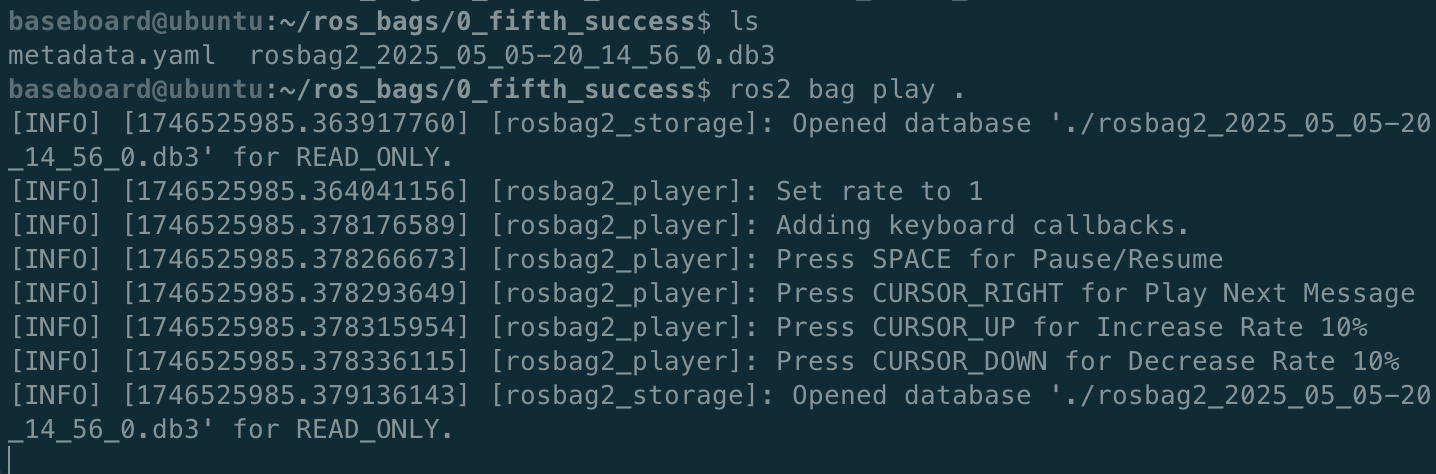
Window 2: Navigate to the directory containing your rosbag and play it:
ros2 bag play .
Stop the Recording
Once the rosbag finishes playing, press Ctrl+C in Window 1 to stop the node and finalize the video file.
Convert to MP4 (Optional)
You can convert the resulting AVI file to MP4 using ffmpeg:
ffmpeg -i output.avi output.mp4